Scalir features — a free, private bulk image compressor
Scalir is a free, private, in-browser image optimiser. Compress, resize and convert images in bulk — JPG, PNG, WebP, AVIF, HEIC and more — entirely on your own device. No uploads, no accounts, no server. Here's everything it can do, feature by feature.
Optimise images for web
Faster pages, smaller files — with client-side image compression
Scalir helps you optimise images for web and optimize images for a website alike: compress, resize and convert in bulk so every asset loads fast. It's client side image compression — all the work happens in your browser, so there's no upload wait and your originals never leave your device.
Bulk image compression
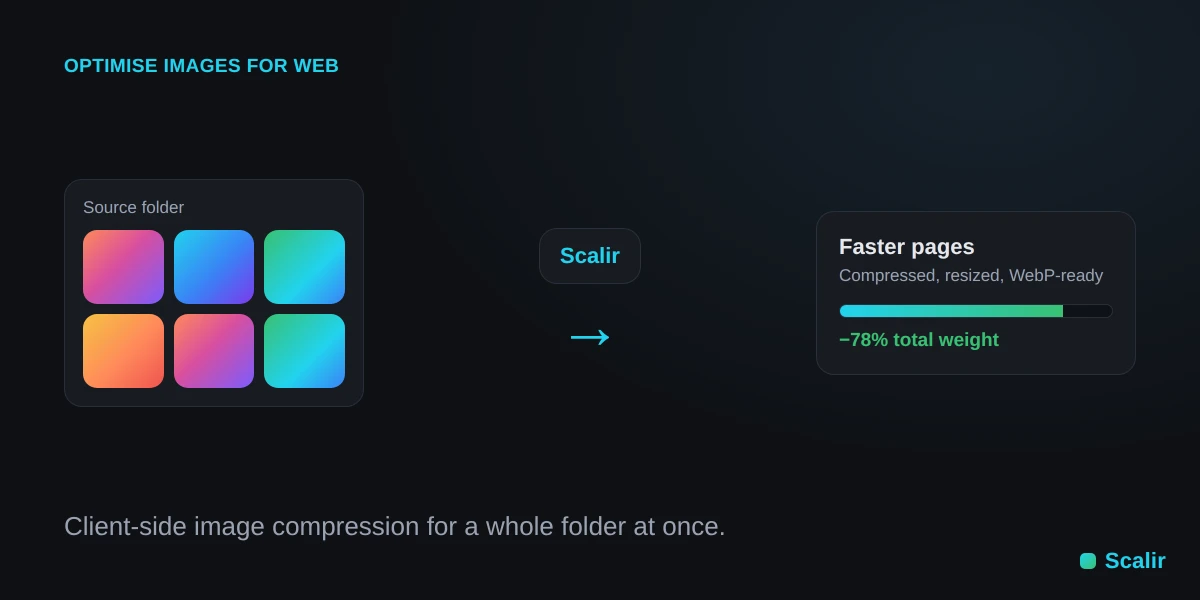
Compress hundreds of images at once — fast, and in parallel
Drop in a whole folder and Scalir compresses every image at once. Heavy decode and encode work runs in a pool of Web Workers spread across all your CPU cores, so large batches finish quickly without ever freezing the page. It's built for real bulk image compression, not one file at a time.
- Process an entire folder of images in a single pass.
- Parallel encoding across every CPU core for fast batches.
- No per-image limits when you self-host or run the desktop app.
- Download everything as a ZIP or save straight to a folder.
Smart resizing — a bulk image resizer
High-quality downscaling that never distorts your images
Use Scalir as a bulk image resizer: resize images online in batches, rescale images online by percentage, or cap the longest side. High-quality Lanczos3 downscaling means you resize images without losing quality — aspect ratio is always kept, and images are only ever downscaled, never upscaled.
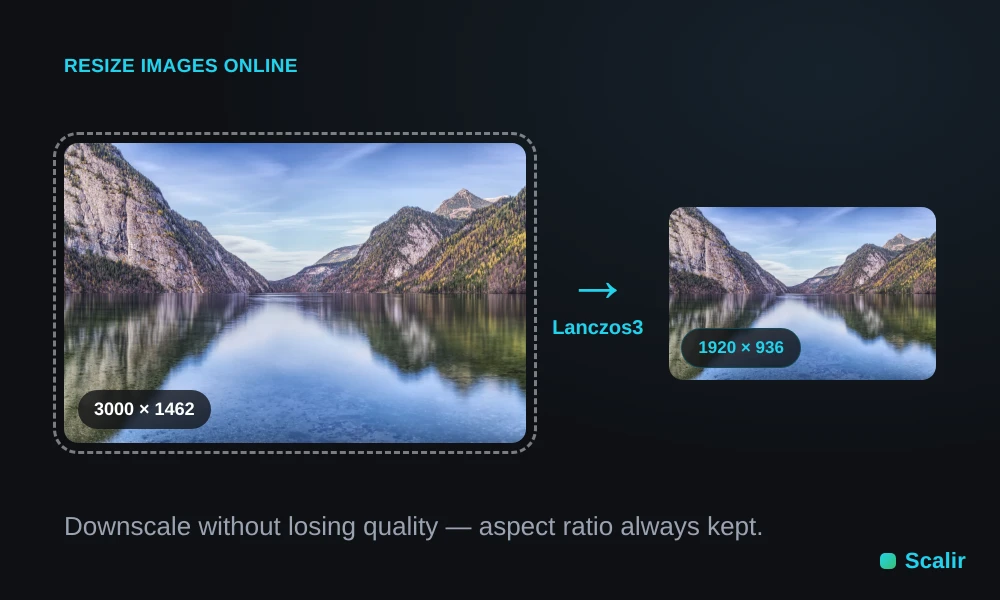
A batch image resizer for a whole folder
- Resize multiple images at once, straight from a folder.
- Reduce image dimensions to a responsive width (640, 828, 1080, 1200 or 1920px).
- Downscale images online with no visible quality loss.
- Bulk resize photos by exact width, exact height or percentage scale.
Target-size compression
Hit a file-size budget without wrecking quality
Set a budget and Scalir will compress an image to a specific size — for example compress an image under 1 MB — using a quality binary-search that compresses JPG without losing quality you can see. Prefer lossless? You can compress PNG online too, or let Auto pick the smallest format for you.
Compress an image to a target size
- Set a max size in MB; Scalir compresses just enough to fit under it.
- Compress an image to a target size without visibly wrecking quality.
- Compress JPG without losing quality, or compress PNG online instead.
- A quality floor protects images from over-compression; tiny files are copied through untouched.
Which preset for which task?
Pick a starting point, then fine-tune if you need to
| Task | Preset to use | Typical result |
|---|---|---|
| Resize images online for a blog | Web optimized (1920px, WebP) | ~70% smaller |
| Compress image under 1 MB | Web optimized / custom max-size | ≤ 1 MB |
| Convert HEIC to JPG | High quality → JPEG | iPhone-ready JPG |
| Bulk convert images to WebP | Tiny (WebP) | ~85% smaller |
Before / after preview & per-image quality
See exactly what compression does — before you commit
Preview any image before optimising the batch. A draggable before/after slider wipes between the original and the optimised result, with zoom up to 200% so you can inspect compression artefacts up close. Not happy with one photo? Dial in its own quality and optimise just that image, or optimise the whole batch at your normal settings.
- Draggable before/after compare slider on every image.
- Zoom to 200% and pan to check fine detail and artefacts.
- Per-image quality slider re-encodes a single photo on the fly.
- Optimise one image on its own, or the whole batch together.
Modern formats — WebP & AVIF
Convert to the smallest web-ready formats
Convert JPG to WebP, convert PNG to WebP, or convert images to AVIF for the smallest web-ready files. Scalir will batch convert images in one pass, and decodes iPhone photos so you can convert HEIC to JPG or WebP in seconds. In Auto mode it only switches format when it meaningfully shrinks the file, so you always get the smaller result without guessing.
Bulk convert images to WebP or AVIF
- Convert JPG to WebP or PNG to WebP, or export straight to AVIF.
- Bulk convert images to WebP across a whole folder in one pass.
- Auto mode converts to WebP only when it actually helps.
- Powered by the same jSquash/Squoosh WASM codecs, on-device.
Wide input support — HEIC, TIFF, GIF & BMP
Bring almost anything in, export a clean web format
Mix any inputs in one batch. Scalir decodes iPhone HEIC/HEIF photos, print-handoff TIFF files, GIF and BMP, and re-exports them as a web-ready JPEG, PNG, WebP or AVIF — so you can convert HEIC to JPG or WebP in seconds, no app required.
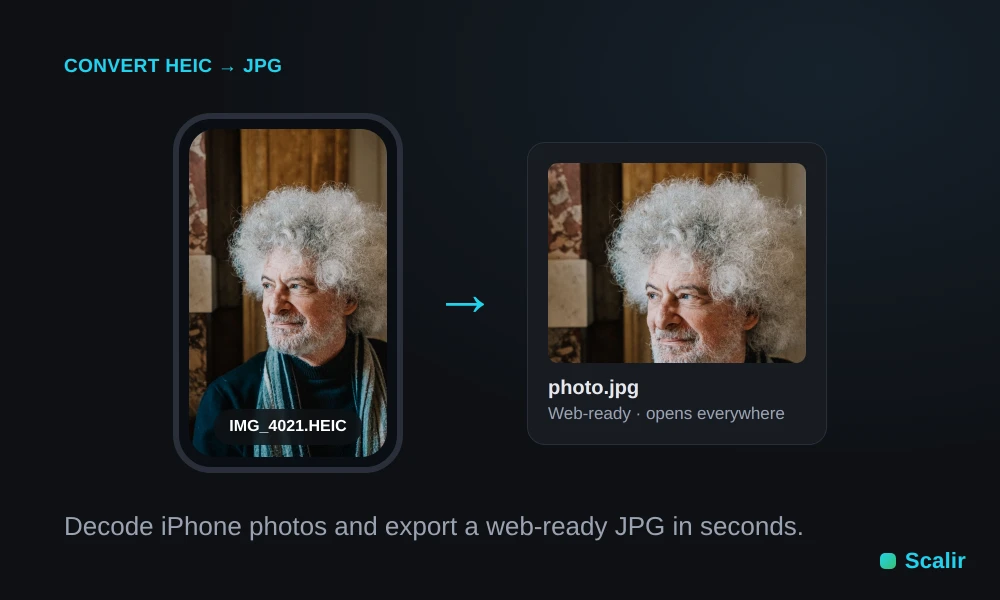
- Inputs: JPG, PNG, WebP, AVIF, HEIC/HEIF, GIF, TIFF and BMP.
- Convert iPhone HEIC photos to JPG or WebP instantly.
- Legacy TIFF and BMP re-exported as modern web formats.
- Animated GIFs use the first frame.
Presets, remembered settings & smart naming
Set it up once, reuse it every time
Start from a built-in preset like Tiny or Web-optimized, or save your own with a title and description. Your last-used settings and custom presets persist between visits, and smart output naming adds prefixes, suffixes, lowercasing, slugifying and sequential numbering for clean, web-ready filenames.
- Built-in and custom presets, saved right in your browser.
- Settings are remembered between visits — no re-configuring.
- Prefix, suffix, lowercase, slugify and sequential numbering.
- Live filename preview as you type.
Private by design — nothing is uploaded
Your images never leave your device
Every step — decode, resize, compress and convert — happens locally in your browser. Your images are never uploaded to any server, and EXIF/GPS metadata is stripped on re-encode while image orientation is preserved. It's image compression that respects your privacy by default.
- 100% client-side — no uploads, no accounts, no tracking of your files.
- EXIF/GPS metadata stripped on export; orientation kept correct.
- Works the same offline as online — your data stays with you.
Easy output & offline use
Get your files out however you like
Download your whole batch as a ZIP, or save straight to a folder on your computer with the File System Access API. Install Scalir as an offline PWA, or run the native desktop app for Windows and Linux — once loaded it works fully offline, with no browser tab required.
- Download all as a ZIP, or save directly to a folder.
- Installable PWA that works offline after the first load.
- Native desktop apps for Windows and Linux.
- Self-host with Docker for unlimited internal use.
Supported formats
Mix any inputs in one batch; export a clean, web-ready format
- JPG / JPEG
- PNG
- WebP
- AVIF
- HEIC / HEIF
- GIF
- TIFF
- BMP
- JPEG
- PNG
- WebP
- AVIF
- Auto or forced
Features FAQ
Resizing, target-size compression and format conversion, answered
How do I resize images online without losing quality?
Use Scalir as a bulk image resizer: add your photos, choose a target width or cap the longest side, and it downscales with high-quality Lanczos3 resampling. Because it only ever shrinks and always keeps the aspect ratio, you resize images without losing quality you can see.
How do I compress an image to a specific size?
Set a maximum file size and Scalir runs a quality binary-search to compress the image to that specific size — for example to compress an image under 1 MB — landing the best-looking result that still fits your budget.
How do I convert HEIC to JPG?
Drop your iPhone HEIC photos onto Scalir and set the output format to JPEG (or WebP). It decodes HEIC/HEIF on your device and re-exports web-ready files, so you can convert HEIC to JPG in seconds with no app to install.
What's the difference between WebP and AVIF?
Both are modern formats that beat JPEG and PNG on size. WebP is smaller than JPEG with near-universal browser support, while AVIF compresses even further for the smallest files at similar quality, with slightly slower encoding. Scalir can convert to either — use WebP for broad compatibility and AVIF when you want the absolute smallest file.
Built with
Open-source, standards-based and 100% client-side
- Svelte 5 + Vite — fast, lightweight front end.
- jSquash WebAssembly codecs — MozJPEG, libwebp, libpng and libavif: the same codecs behind Squoosh, compiled to WASM.
- libheif for HEIC/HEIF and UTIF for TIFF; GIF & BMP decode natively in the browser.
- Lanczos3 resampling (
@jsquash/resize) for high-quality downscaling. - Web Workers — heavy encode/decode runs off the main thread, pooled across cores.
- PWA (vite-plugin-pwa), File System Access API and JSZip for output; Tauri 2 for native desktop builds.
- MIT licensed — source on GitHub.