Download the Scalir desktop image compressor
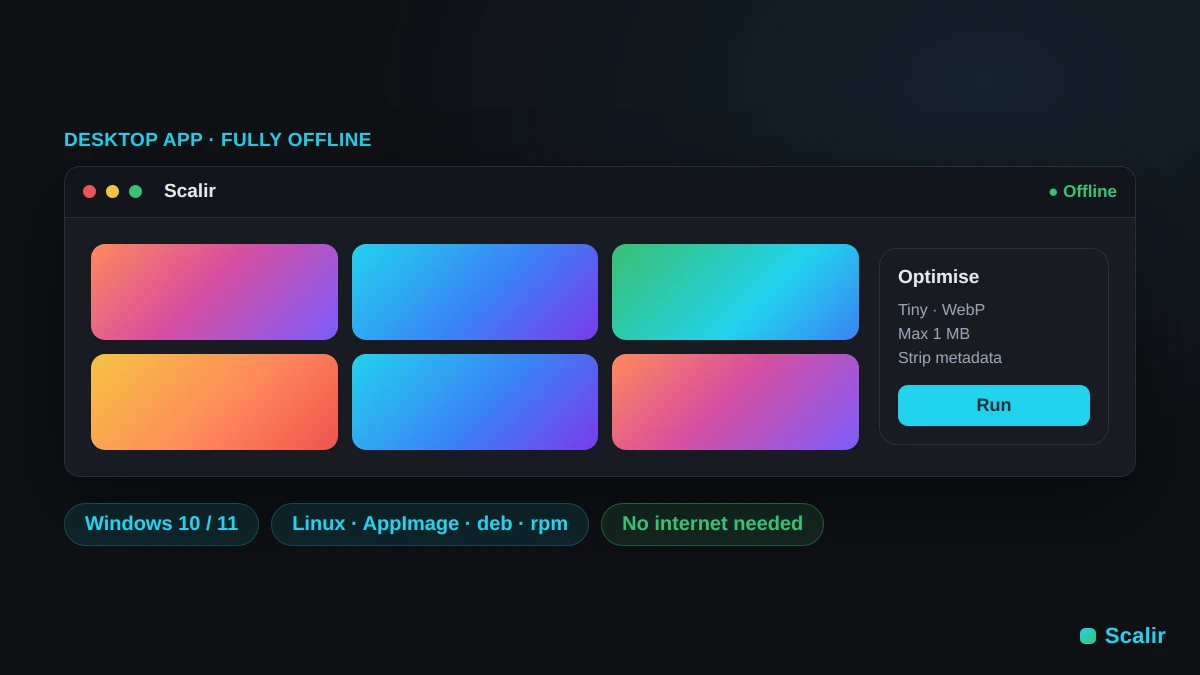
Install Scalir as a desktop image compressor for Windows and Linux — a fully offline image compressor that never sends your files anywhere. No internet is required after setup and no data leaves your device. Docker also works on any platform, and on macOS the free web version runs the full tool right in your browser.
Run locally with Docker Available now
The quickest way to run Scalir on your machine today. You'll need Docker Desktop installed (Windows, macOS, or Linux).
Option 1 — Clone and run with Docker Compose
# Clone the repo
git clone https://github.com/therealshxd/scalir
cd scalir

# Build and start (first run takes ~60 s)
docker compose up -d

# Open in your browser:
# http://localhost:8080
Option 2 — Single docker run command
If you don't want to clone the repo, build the image from the remote Dockerfile directly:
# Build the image
docker build https://github.com/therealshxd/scalir#main -t scalir

# Run it
docker run -d -p 8080:80 --name scalir scalir

# Open in your browser:
# http://localhost:8080
Stopping and starting
# Stop
docker compose stop        # if using Compose
docker stop scalir         # if using docker run

# Start again
docker compose start
docker start scalir

# Remove completely
docker compose down
docker rm -f scalir && docker rmi scalir
Desktop & offline FAQ
Is there an offline image compressor for Windows?
Yes. The Scalir desktop app is a fully offline image compressor for Windows 10 and 11 — install it once and compress, resize and convert images with no internet connection and nothing ever leaving your machine.
Does the desktop app work without internet?
It does. After installation the desktop image compressor runs completely offline: all decoding, resizing and compression happens locally on your device, so it works on a plane, an air-gapped machine or anywhere with no connection.
Is there a Mac version?
There is no separate macOS desktop build yet, but the free in-browser version runs the full tool on macOS in any modern browser — nothing to install, and it stays just as private. Open the free web version