Free Bulk Image Compressor — Scalir
Scalir is a free bulk image compressor and image optimiser — compress images online, resize and convert in bulk without uploading a thing. JPG, PNG, WebP, AVIF and more, no sign-up and completely private. It's a free image optimizer that runs entirely in your browser, so every image is processed on your own device.
- 1
Add your images
Drop in the images you want to compress, or choose a whole folder — JPG, PNG, WebP, AVIF, HEIC, GIF, TIFF or BMP.
- 2
Pick a preset or tweak
Start from a preset like Tiny or Web optimized, then fine-tune size, quality and output format if you need to.
- 3
Compress
Hit Optimise — everything runs locally on your device across all your CPU cores. Nothing is uploaded.
- 4
Save your files
Download them all as a .zip, or save straight to a folder on your computer.
Compress & resize your images
Resize over 2000px · compress under 1 MB · saved with a scaled_ prefix
Drop images here
or
JPG, PNG, WebP, AVIF, HEIC, GIF, TIFF, BMP · processed on your device, never uploaded
Why Scalir is a private, in-browser image compressor
Compress images in your browser — nothing uploaded, nothing to install
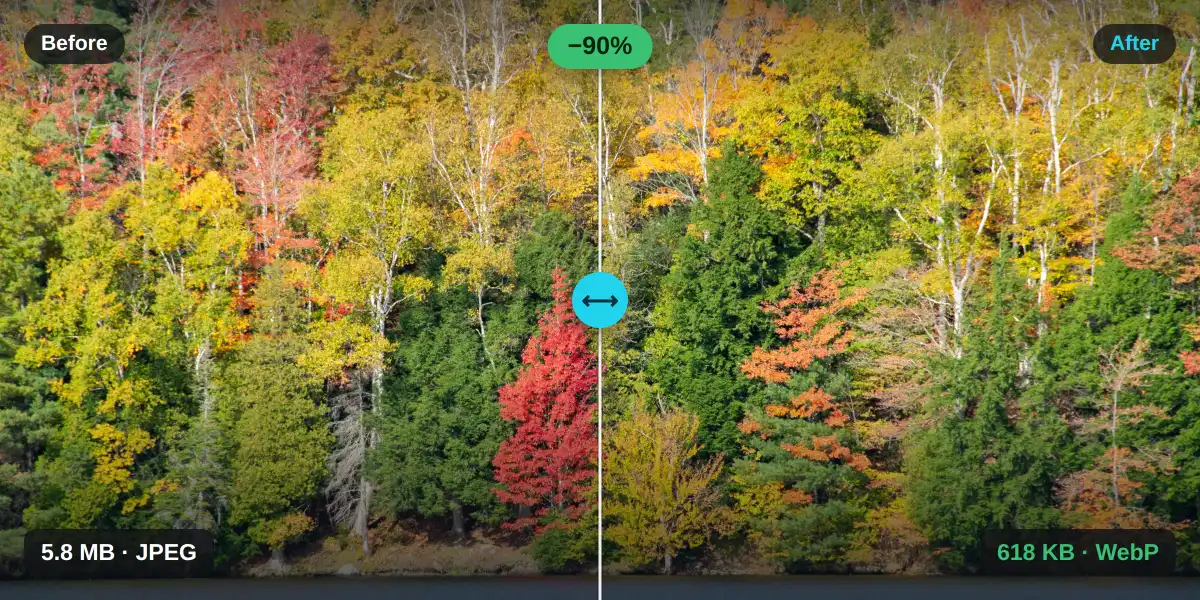
Most image tools upload your files to a server to process them. Scalir doesn't. It's a private image compressor that runs entirely in your browser — an image compressor with no upload step at all. You compress images in your browser, and your originals never leave your device.
That local-first approach is also fast: with no upload or download round-trip, you can reduce image file size and shrink image size online the instant you drop files in — and it keeps working offline once loaded.
A free image optimiser that respects your privacy
An online image optimiser for bulk compression, resizing and conversion — 100% in your browser
Bulk image compression
Compress hundreds of images at once. Scalir uses all your CPU cores in parallel, so large batches finish fast — with no per-image limits when you self-host.
Smart resizing
Cap the longest side with high-quality Lanczos3 resampling, or resize images online by exact width, height or percentage. Aspect ratio is always kept and images are never cropped or upscaled.
Modern formats — WebP & AVIF
Convert JPG and PNG to WebP or AVIF for the smallest possible web-ready files, or keep your original format. Bring in iPhone photos too and convert HEIC to JPG or WebP — mix any inputs in one batch.
Private — nothing uploaded
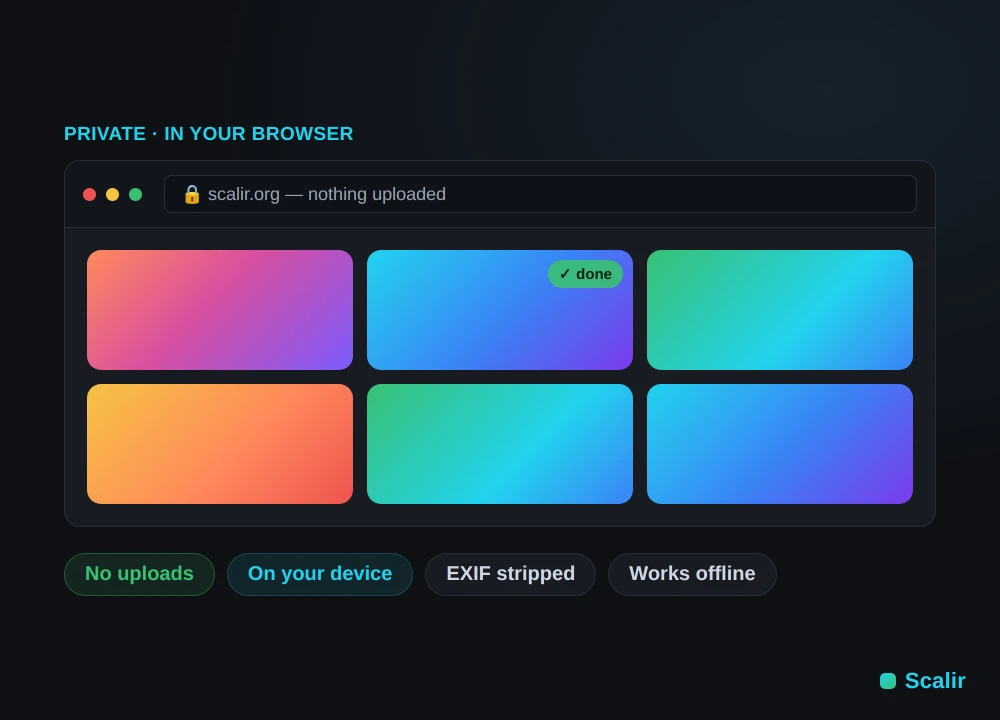
Every image is decoded, resized and compressed on your own device. Nothing is ever uploaded, and EXIF/GPS metadata is stripped on export.
Free & open source
No accounts, no watermarks, no paywall. Scalir is MIT-licensed and you can self-host it with Docker for unlimited use behind your firewall.
Works offline
Install Scalir as a PWA or run the desktop image compressor for Windows and Linux. Once loaded it works fully offline — fast image compression with no browser tab required.
Supported formats
Bring almost anything in; export a clean, web-ready format
- JPG / JPEG
- PNG
- WebP
- AVIF
- HEIC / HEIF
- GIF
- TIFF
- BMP
- JPEG
- PNG
- WebP
- AVIF
- Auto or forced
Animated GIFs use the first frame. See all features & tech →
Host it yourself
Private, self-hosted bulk image optimisation
Scalir is completely free with no image limits. Self-host it with Docker in minutes to run bulk image compression internally, behind your firewall, or as part of your own pipeline — no external dependencies and no data ever leaving your network.
Local installation
Fast, offline image optimisation on your machine
Prefer to keep everything local? Install the desktop app for Windows or Linux, or run it with Docker on your own machine. Scalir was built as a local-first tool for speed — optimise images offline, with no browser tab required.
Frequently asked questions
Quick answers about compressing images with Scalir
Is Scalir free?
Yes — Scalir is completely free and open source under the MIT license. There are no accounts, no watermarks and no paid tier. Self-host it for unlimited use.
How do I compress images online for free?
Drop your images onto Scalir, pick a preset and hit Optimise. It's a free image compressor that runs in your browser, so there's nothing to install, no sign-up and nothing to pay for.
Are my images uploaded to a server?
No. Every image is compressed, resized and converted entirely in your browser, on your own device. Nothing is ever uploaded, so your images stay completely private.
Can I compress images without uploading them?
Yes. Scalir is a private image compressor — every file is processed on your own device and nothing is ever uploaded, so you can compress images without uploading them anywhere.
What image formats can I compress?
You can bring in JPG, PNG, WebP, AVIF, HEIC/HEIF, GIF, TIFF and BMP, and export to JPEG, PNG, WebP or AVIF — automatically or forced to a format you choose.
Can I compress images in bulk?
Yes. Scalir is built for bulk image compression — drop in a whole folder and it processes everything in parallel across your CPU cores, then hands back a ZIP or saves to a folder.
How much can I reduce image file size?
Presets range from around 40% to 85% smaller. You can also shrink image size to a specific target file size — for example under 1 MB — while keeping quality high.
Does it work offline?
Yes. Scalir is an installable PWA and has a desktop app for Windows and Linux. After the first load it works fully offline.
Is there a file-size or image limit?
The hosted app has a small soft per-session limit as a gentle nudge. The self-hosted and desktop builds are completely unlimited.